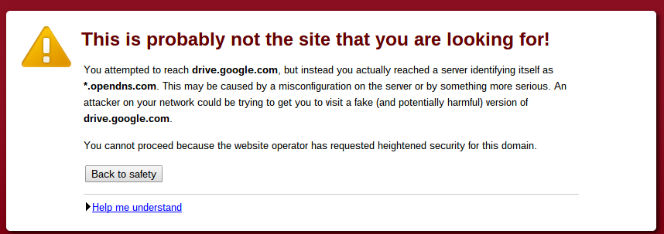
 This is dual post really because I was going to write briefly about an error message that came up when using eastcoast.co.uk’s wifi. I couldn’t access Google drive because open DNS is blocking it! Rather than stick the text of the message in I thought I’d just do a screenshot but there was no obvious way of doing it.
A simple Google search came up with the goods and it is quite impressive. You do a ctr shift []]] (the key above the number 6 – took me a while to find it) and the cursor changes to a + select tool. You can chose which bit of the screen to print – uber impressivo.
This might be old new s to some of you but as you know it sometimes takes me a while to catch up 🙂

One reply on “How to do a print screen using Chromebook”
I presume that’s a captive wifi sign-in portal doing that?